 EPIQ
EPIQ IT Agent
One agent on every computer you look after: health, chat and tickets for the people using it, and full remote management for your IT team.
Windows, macOS (Apple silicon and Intel) and Linux, plus a server agent for Linux servers. The IT Agent is included with EPIQ Hub. Create an account or sign in to download it and connect your computers.
Help is one click away
This device
See this computer at a glance: CPU, memory, drives, network and internet connection.
Chat with IT
A chat with your IT team that can sit in its own window, with unread counts on the tray icon.
Raise and follow tickets
Report a problem with attachments and follow the replies without opening a browser.
Self-service
Install approved software or run approved scripts yourself, from Scripts & apps.
Ask for what you need
Request other software for your IT team to approve. Where they allow it, become an administrator for a set time, giving a reason.
Notifications
Told when a request is answered and when the software has been installed.
See it at work
Shown with made-up demo data.
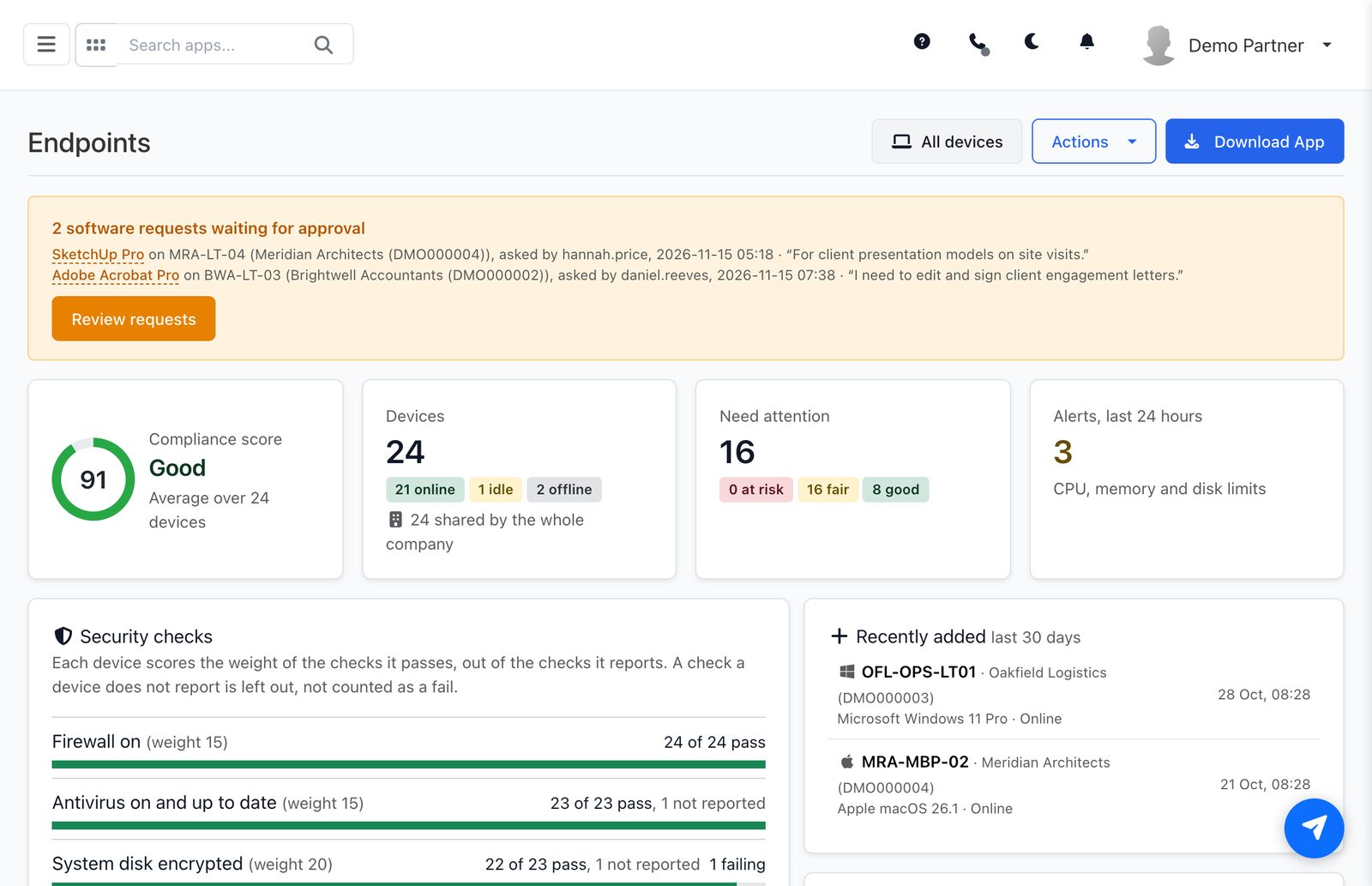
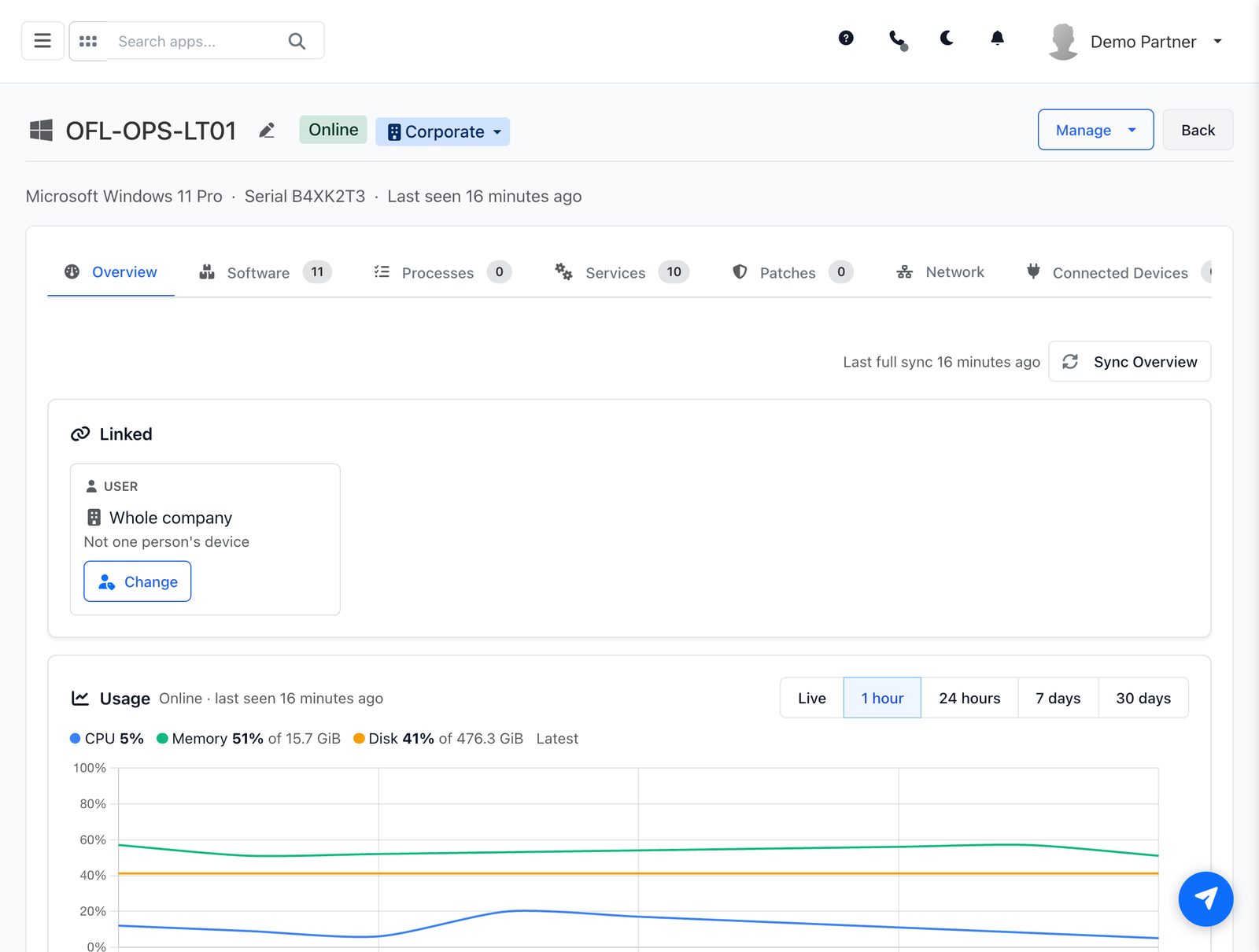
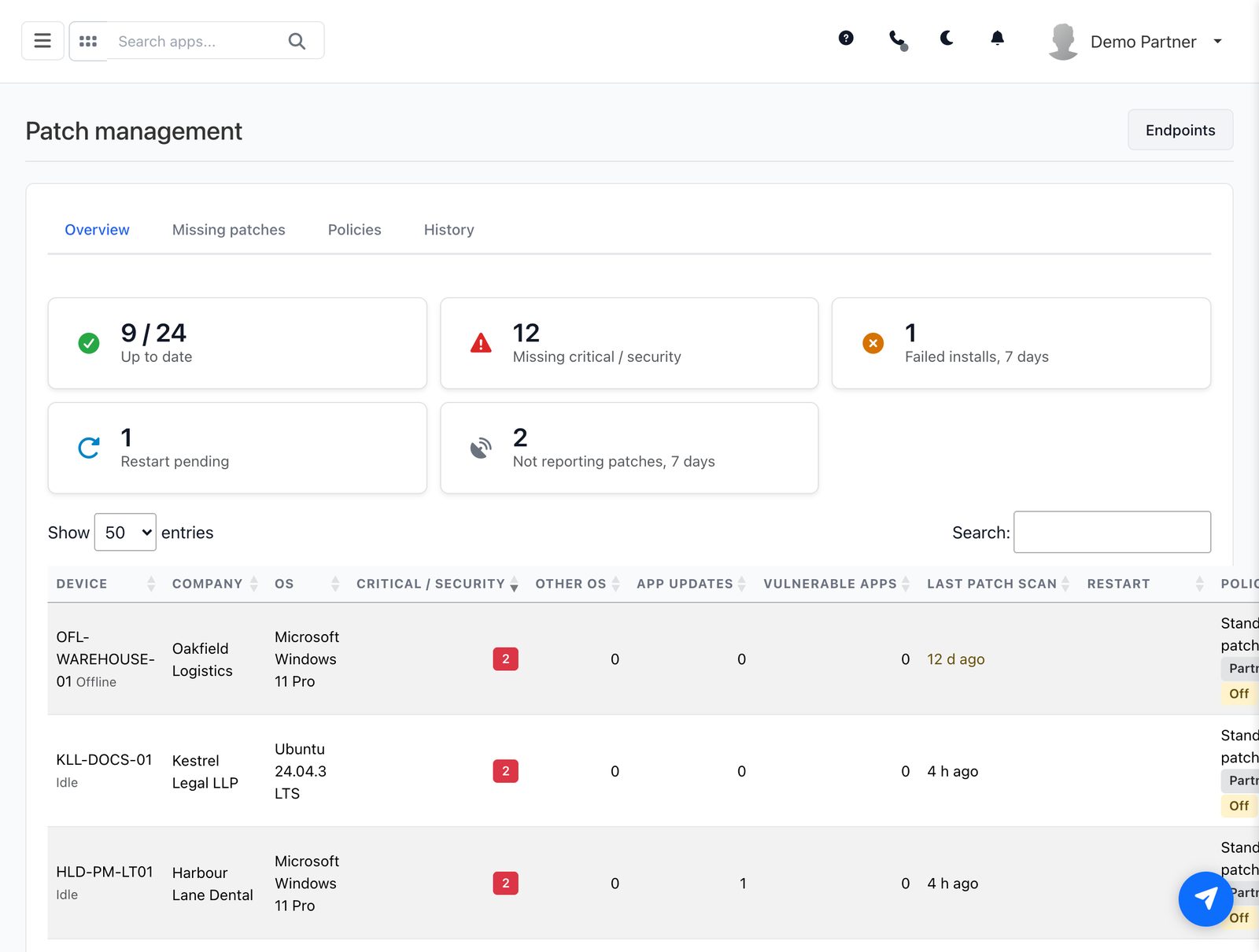
Manage every computer from the hub
Everything the agent sees and does is on the device's page in EPIQ Hub, next to the client's tickets, contracts and invoices.
- Remote terminal (Command Prompt, PowerShell or shell), with every session recorded for audit
- Script library, with each result shown on the device page
- Install, update and remove software through WinGet, Chocolatey and Homebrew, without the user being an administrator
- Operating system patching with restart rules users can postpone
- Services, processes and startup items you can switch on or off
- Local users and groups, printers, mapped drives and WiFi
- Network scans that name and classify the devices they find (printers, TVs, phones, routers)
- Credentialed audits of other computers on the network, repeated daily, weekly or monthly
- Install the agent on other Windows computers on the network from the hub, through a computer already running it
- Starters and leavers, device groups, software bundles, policies and approvals
- Storage, failed install and device alerts that can raise tickets, plus failed sign-in counts on Windows
- Monthly reports per client
Locked down, and provably so
Security controls your clients can see working, with every action recorded.
- Lost mode: a message on the sign-in screen and everyone signed out; on Windows, accounts turned off and, with BitLocker, start-up locked
- BitLocker recovery keys kept with your IT team and replaced after each time they are viewed
- On Windows, block USB drives, memory sticks and card readers while keyboards and mice keep working
- Keep the firewall and automatic updates switched on, plus antivirus and screen lock on Windows
- A rotating hidden support administrator account
- Every command from the hub is digitally signed, and only updates signed by EPIQ are installed
From one laptop to every client
Install codes
Roll the agent out to many computers at once, each connecting by itself with nobody signing in.
Company or personal
Each computer is marked as the company's or the user's own, so it is managed the right way. Personal computers are only scanned with permission.
Updates
The agent updates itself through its background service, and reopens for everyone who had it open.
Proven in daily use since 2017
EPIQ Hub brings CRM, accounting, telephony, support, IT management, property management and industry-specific tools into one multi-company platform. Every module, menu item and permission can be shaped to the way a business works, and your clients can sign in to their own portal under your brand.