 EPIQ
 EPIQ Vault
Your company's passwords, 2FA codes and sign-ins from EPIQ Hub, filled in right where you sign in.
For staff of companies that use EPIQ Hub. It needs an EPIQ Hub account with access to the password vault. Works in Chrome, Edge, Brave and other Chromium browsers.
Your company vault, where you sign in
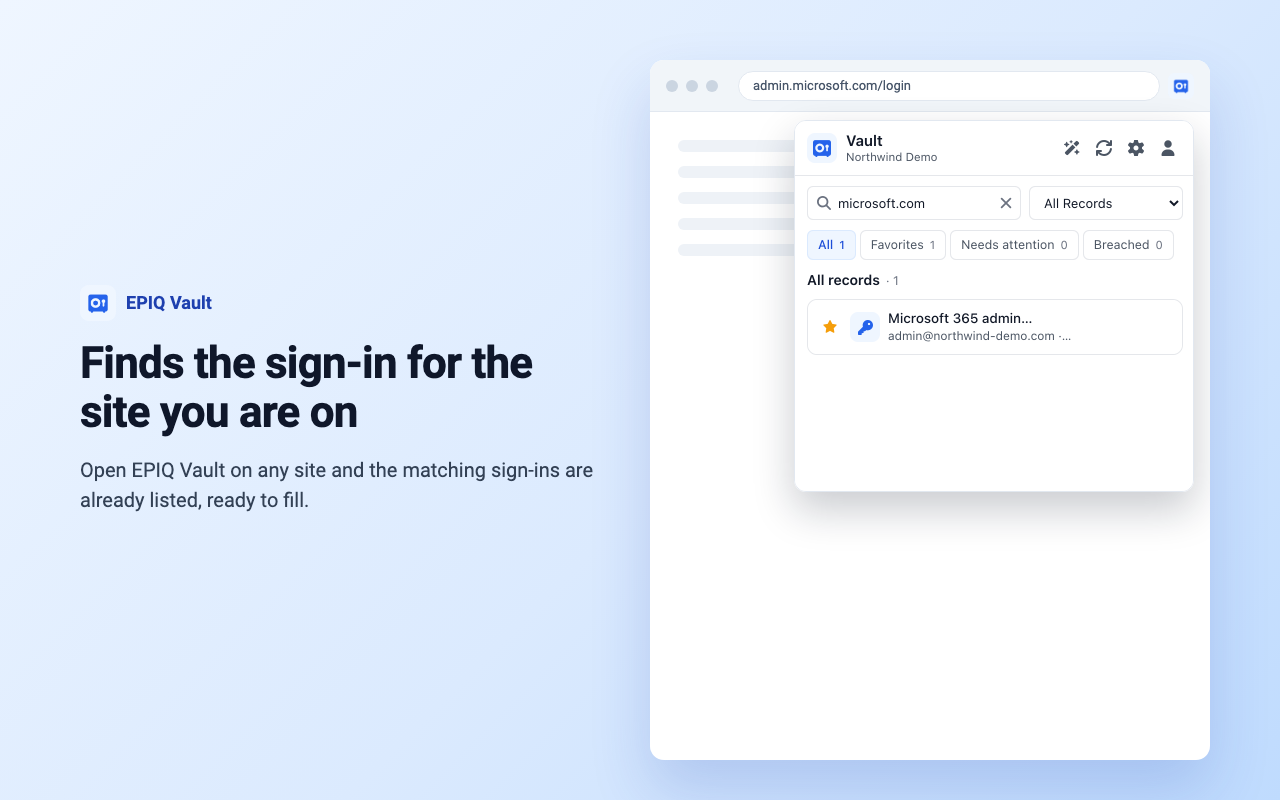
Fill sign-ins where you are
Shows the sign-ins saved for the site you are on and fills the form when you choose one.
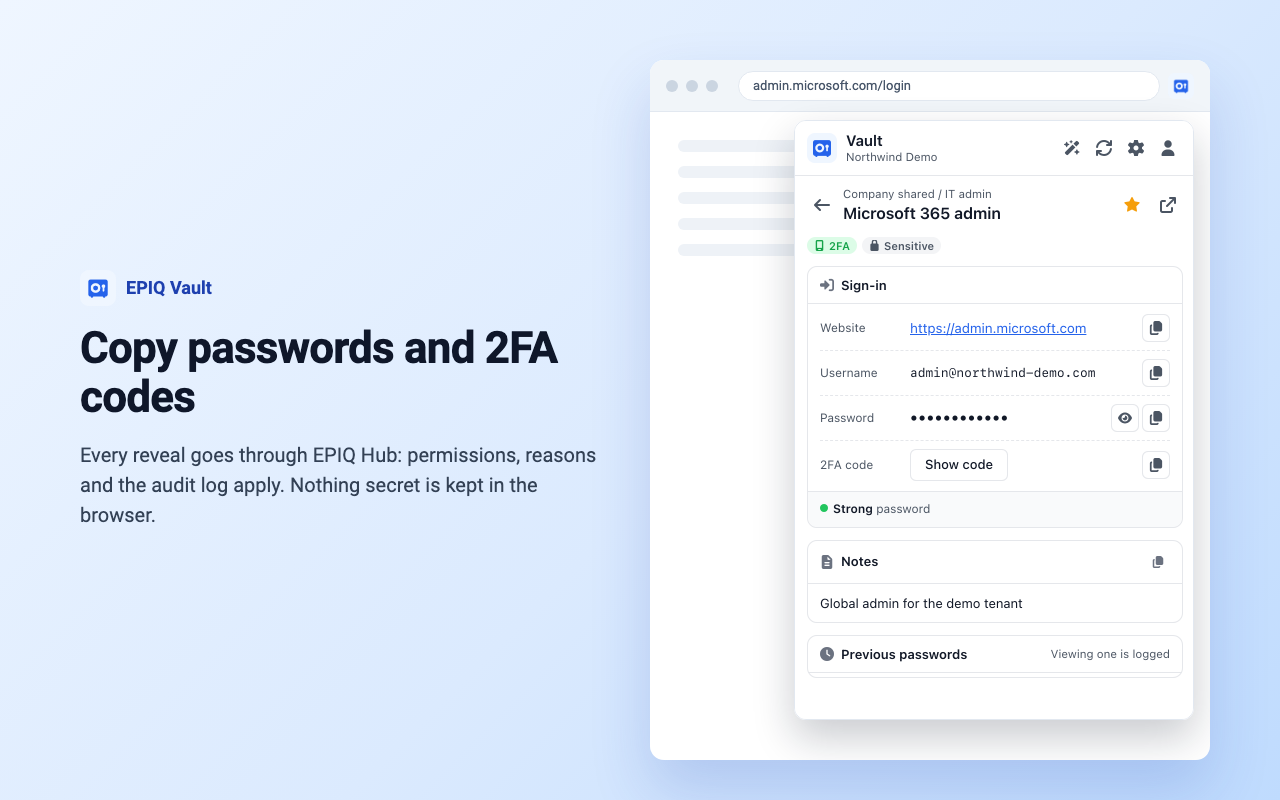
Copy passwords and 2FA codes
Copy a password, username or live 2FA code. Copies are cleared from the clipboard after 30 seconds.
Save new sign-ins
Offers to save a new sign-in to the vault when you sign up or change a password.
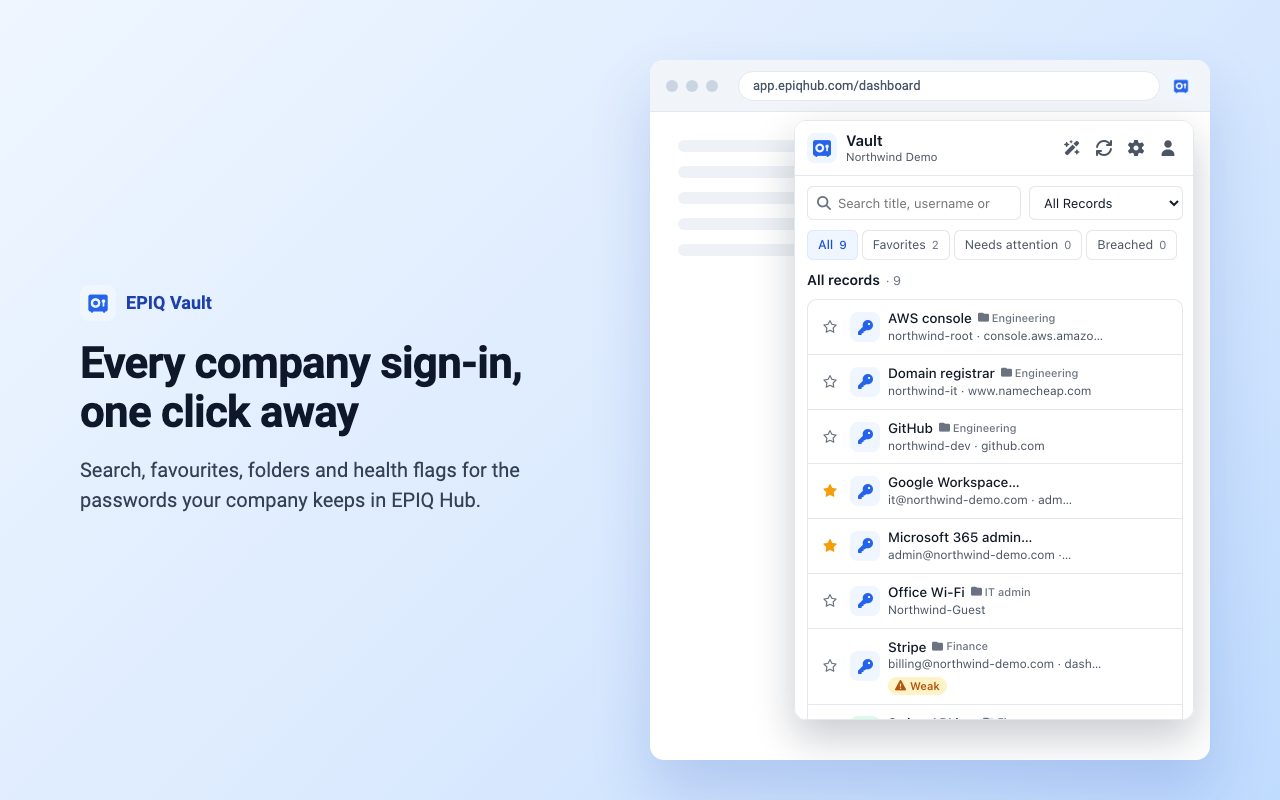
Every company you can reach
Search, favourites and folders across every company you can reach, with account switching.
Password health
Flags passwords that are weak, reused, breached, expiring or due a change.
Side panel and right-click search
Open the vault in the browser side panel, or search it for any selected text.
See it in the browser
Shown with made-up demo records.
The same rules as the web vault
The extension is a window onto your company's EPIQ Hub vault, not a separate password store. Your administrators keep control of who sees what.
- Every reveal goes through EPIQ Hub: permissions, reasons, approvals and the audit log apply, the same as the web vault
- Passwords, notes and 2FA secrets are never stored in the browser
- Locks after the idle time you choose, and locking removes the sign-in and saved records
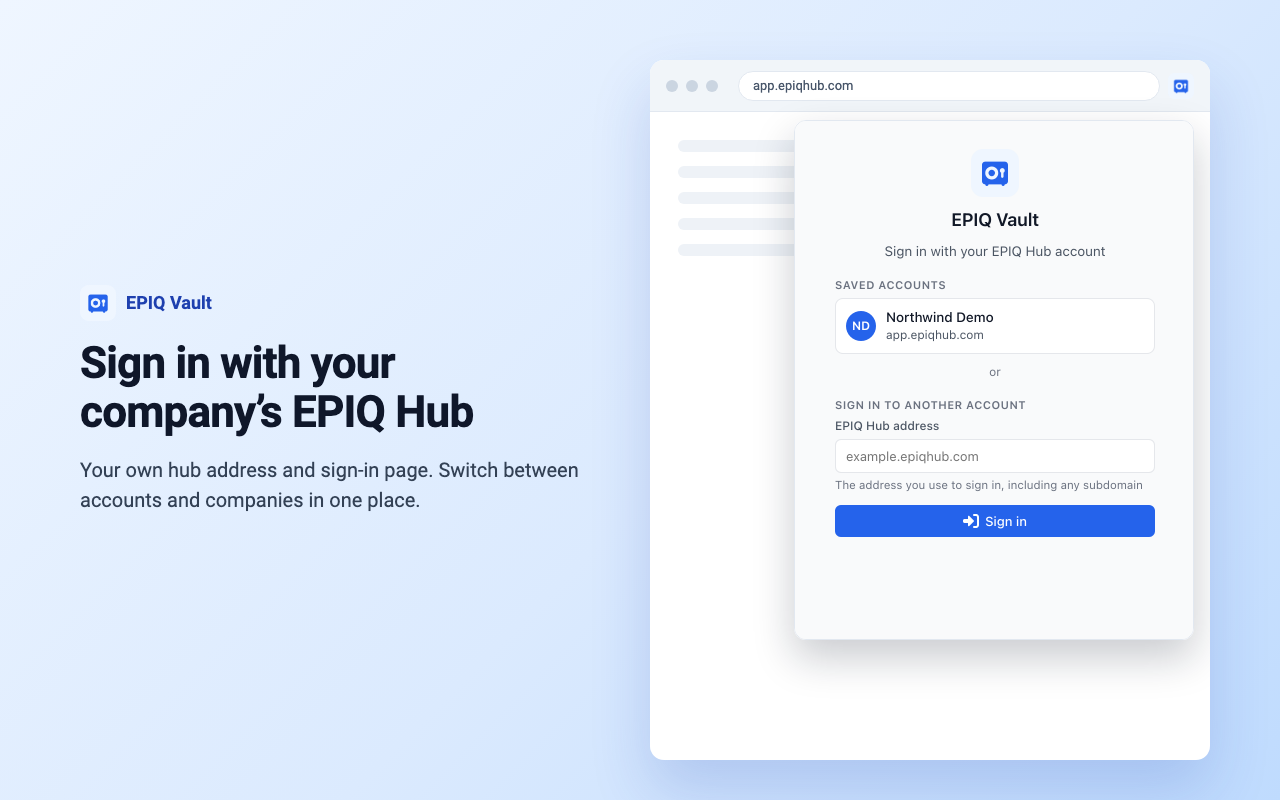
- Sign in on your company's own EPIQ Hub address with its own sign-in page (OAuth 2 with PKCE)
- Works only on https pages and never inside embedded frames
- Talks only to your own EPIQ Hub: no analytics, no advertising, nothing sent to anyone else
Ready in three steps
- 1
Add EPIQ Vault to your browser and pin its icon to the toolbar.
- 2
Click the icon and type your EPIQ Hub address (for example app.epiqhub.com, or your provider's own address).
- 3
Sign in on your EPIQ Hub's own sign-in page. Your vault records appear in the popup.
Questions?
Can't see a record, or need access to the vault? Ask your company's EPIQ Hub administrator: the extension shows exactly what your account may see.
For anything else, use the chat bubble on this page or sign in to EPIQ Hub and open a support ticket.
Read what the extension stores and sends in its privacy policy.